
-
TSBar Rugged 40,000mAh 100W Power Bank
Regular price $119.99 USDRegular priceUnit price per$159.99 USDSale price $119.99 USD-25%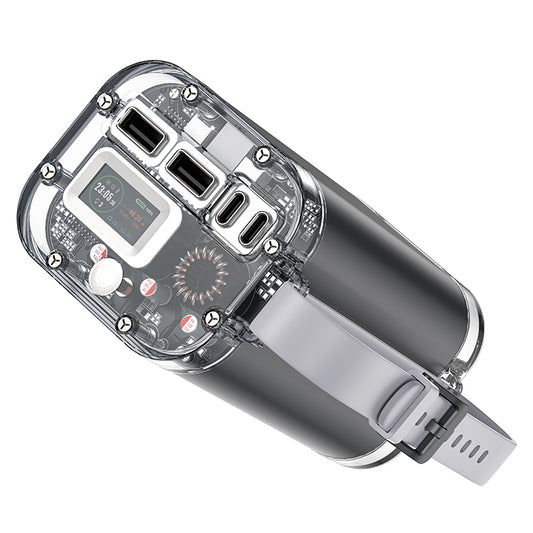 Sale
Sale -
TSBar 30,000mAh 65W USB-C Laptop Power Bank
Regular price $59.99 USDRegular priceUnit price per$89.99 USDSale price $59.99 USD-33%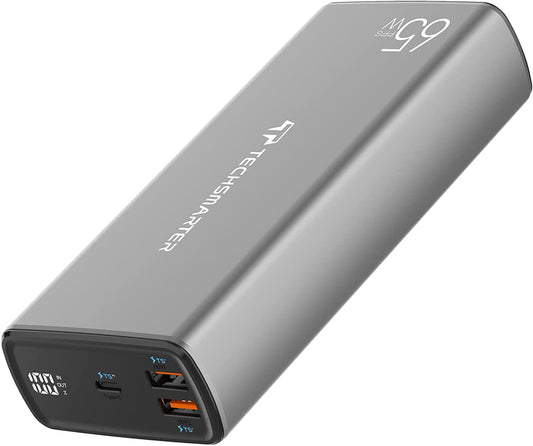 Sale
Sale -
TSBar 30,000mAh Laptop Power Bank - 130W Total Output
Regular price $69.99 USDRegular priceUnit price per$99.99 USDSale price $69.99 USD-30%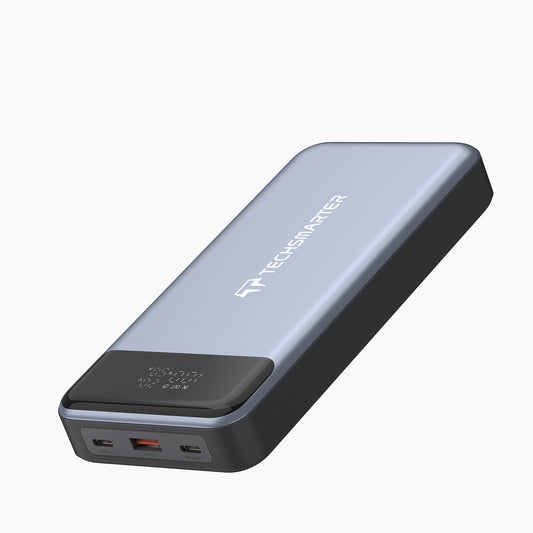 Sale
Sale -
TSBar 20,000mAh 65W USB-C Laptop Power Bank
Regular price $59.99 USDRegular priceUnit price per$69.99 USDSale price $59.99 USD-14%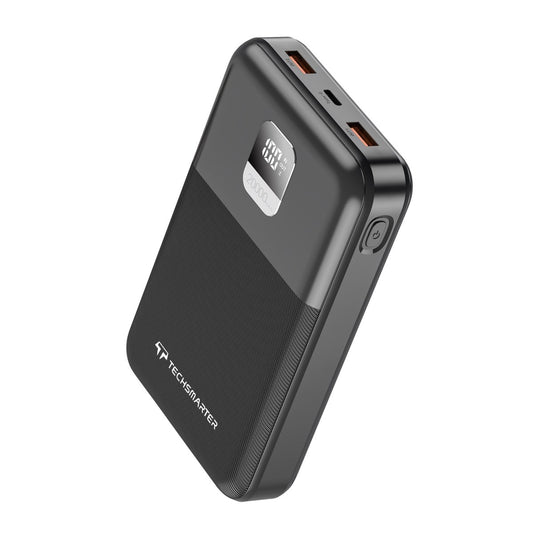 Sale
Sale -
TSBar 20,000mAh 100W USB-C Laptop Power Bank
Regular price $59.99 USDRegular priceUnit price per$89.99 USDSale price $59.99 USD-33%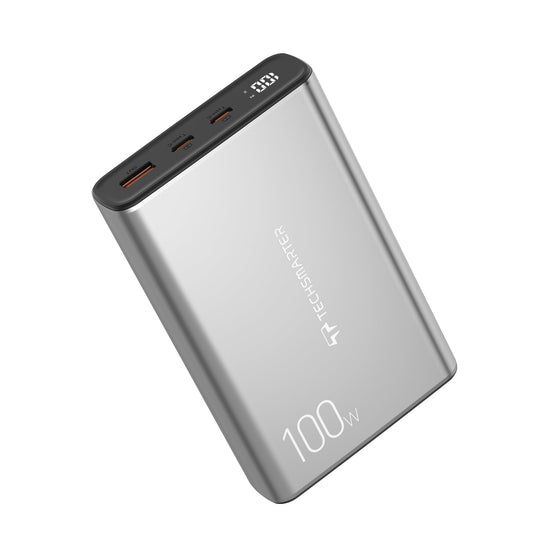 Sale
Sale -
TSBar 30,000mAh 65W USB-C Laptop Power Bank TS-15494
Regular price $59.99 USDRegular priceUnit price per$89.99 USDSale price $59.99 USD-33%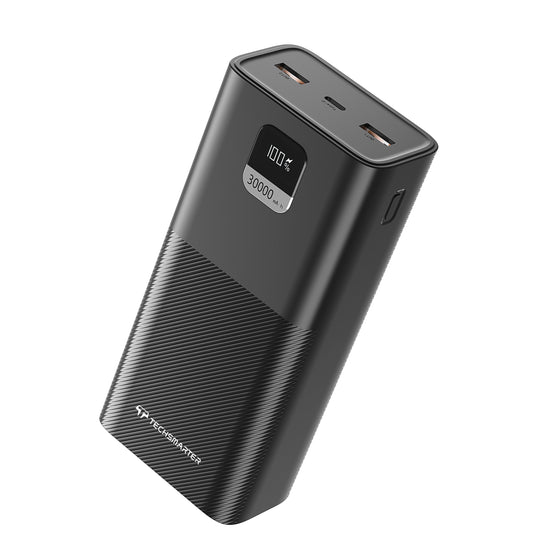 Sale
Sale -
TSBar 20,000mAh 45W USB-C Laptop Power Bank
Regular price $29.99 USDRegular priceUnit price per$59.99 USDSale price $29.99 USD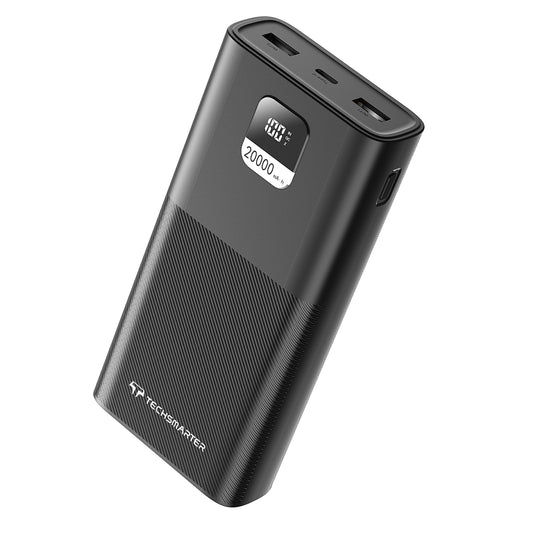 Sold out
Charging speed depends on the device, cable, battery level and ports in use. For laptop-focused choices, visit USB-C laptop power banks.
PPS & USB-C Fast-Charging Power Banks FAQs
What are USB-C PD and PPS?
USB Power Delivery, or PD, is a charging protocol used by compatible equipment to negotiate a supported power level. PPS means Programmable Power Supply, a feature that some devices use for particular fast-charging modes. USB-C describes the connector and does not by itself establish PD or PPS support.
Does every Techsmarter power bank support Samsung Super Fast Charging?
Check the exact phone, power bank and cable requirements. Support varies by model and charging mode. For example, the TSBar Rugged 30,000mAh 65W listing excludes 45W Samsung Super Fast Charging. Our PD and PPS guide explains what to compare.
Which cable should I use for laptop charging?
Use a cable with the required connectors and enough current and power capability for the setup. A 60W-rated USB-C cable cannot deliver a full 65W or 100W connection. Check the laptop and power bank instructions and choose an appropriately rated cable.
More questions? Visit our FAQ and support page or contact Techsmarter.